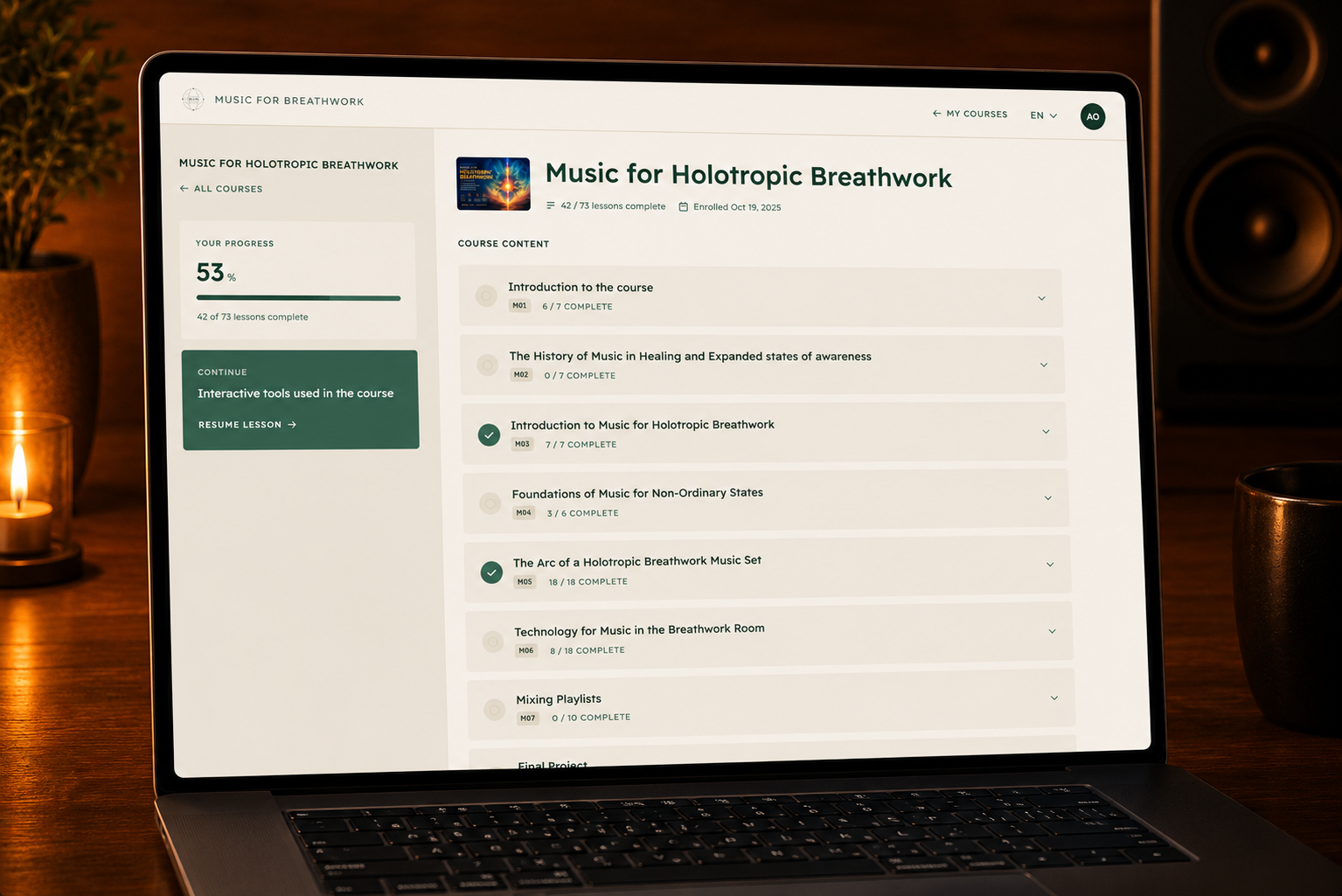
As part of this course, I've developed a number of interactive tools to help bring many of the concepts to life. Rather than simply reading about music and playlist construction, these tools allow you to explore, listen, analyse and experiment for yourself.
They have been designed to encourage active learning and help you develop your ear through direct experience. I encourage you to spend some time using them as you work through the lessons, as they provide valuable insights that are often difficult to convey through text alone.
Throughout the course you'll encounter the following interactive tools:
Track previews
Probably the most commonly used interactive tool throughout the course is the Track Preview. You'll find it embedded throughout many of the lessons, allowing you to immediately listen to the tracks being discussed while exploring additional information about each piece.
The Track Preview includes several useful features:
- Track Information – View the track title, artist and album. Each can be clicked to navigate directly to its respective page, where you can explore related music and discover similar tracks.
- Track Preview – The primary purpose of the Track Preview is to let you listen to the music being discussed in the lesson. Hearing the track while reading about it provides valuable context and helps develop your listening skills.
- Favourite – If you come across a track you particularly enjoy or think may be useful in your own playlists, simply click the Favourite icon to save it to your personal favourites for easy access later.
- Track Analysis – The final icon opens the Track Analysis panel, allowing you to explore the audio characteristics of the track in greater detail. If you have a Spotify Premium account linked to Music for Breathwork, you'll also be able to preview the entire track while watching how features such as Activating Intensity, Affective Intensity, Combined Intensity, Tension, and Spaciousness evolve throughout the piece.
- As you work through the course, I encourage you to make use of these tools regularly. The more time you spend listening, analysing and comparing tracks, the more naturally you'll begin to recognise the musical qualities that make a piece suitable for different phases of a breathwork journey.
Example

Interactive Analysis
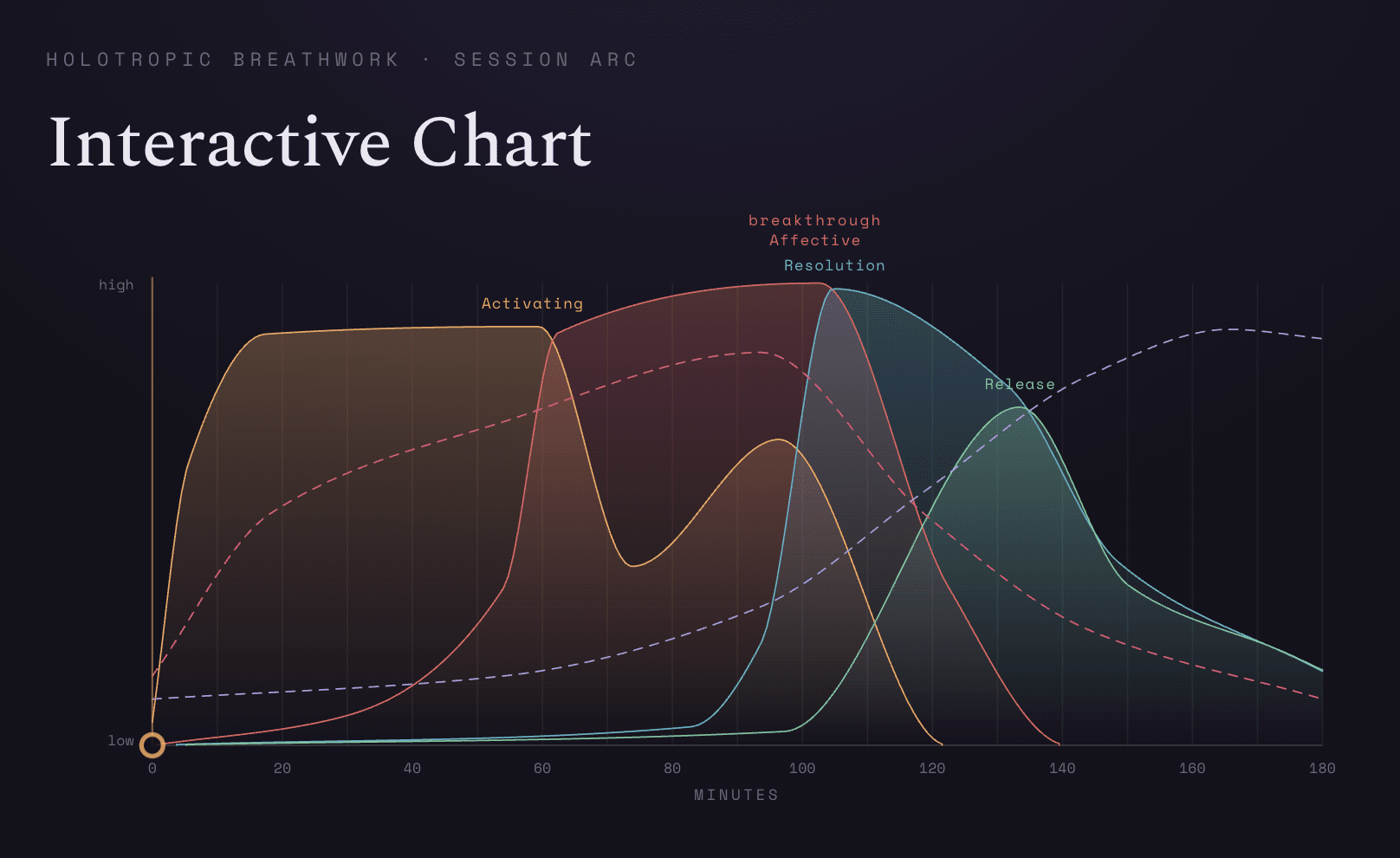
The Interactive Analysis is a modal window that allows you to explore a track in much greater detail. As the music plays, you can watch how characteristics such as Activating Intensity, Affective Intensity, Combined Intensity, Tension, and Spaciousness change over the course of the track.
This provides a unique opportunity to both hear and see the musical journey unfold. By observing how these qualities rise and fall alongside the music, you'll develop a deeper understanding of what gives a piece its emotional shape and why it may be suitable for different phases of a breathwork session.
I encourage you to spend some time exploring the Interactive Analysis throughout this course. The more tracks you analyse, the more intuitive these qualities will become, and the easier it will be to recognise them simply by listening.
Example
Tone Generator
The Tone Generator appears throughout several lessons as an interactive way to explore the fundamentals of sound. It allows you to generate pure tones at different frequencies so you can hear how pitch changes and experience some of the acoustic concepts discussed throughout the course.
Rather than simply reading about frequency, you'll be able to experiment with it yourself. This hands-on approach helps develop your listening skills and gives you a better understanding of how different frequencies contribute to the overall character of music.
Youtube Embeds
Throughout the course you'll also find a number of YouTube videos embedded directly into the lessons. These provide practical demonstrations that are often easier to understand by watching than by reading alone.
Many of the videos explore topics such as playlist construction, mixing techniques, transitions between tracks, and other concepts that are best demonstrated through real musical examples. Where appropriate, I've also included videos from other experienced facilitators, musicians and educators to provide additional perspectives and enrich your understanding of the material.
I encourage you to take the time to watch these examples. Seeing and hearing these techniques in practice often provides insights that are difficult to convey through text alone.
Example
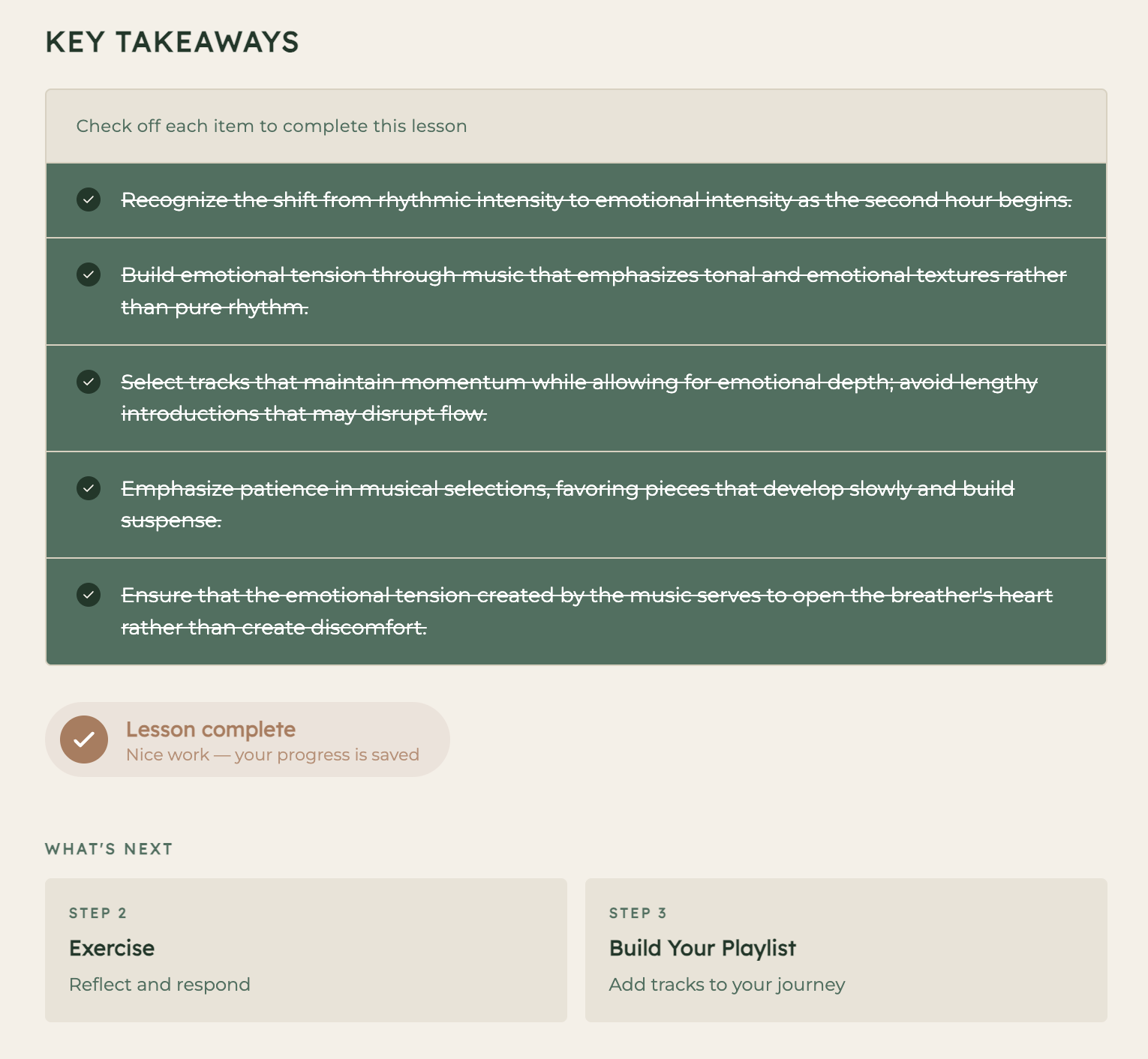
Key Takeaways
At the end of most of the lessons you will find a list of key takeaways to check off in order to complete the lesson. Once you have checked all of the takeaways you are able to mark the lesson as complete and then move onto the exercise for that lesson and if it is a part of the arc of a playlist module select tracks to help you to refine your playlist for the final project module.